What people look for
Searches for the app usually mean one of three things: where to get it, whether it is safe to install, or why the copy already installed has stopped working. This page addresses all three without hosting any file itself. We do not distribute installation packages, and we would encourage scepticism toward any information site that does.
What the app actually is
It is a mobile shell around the same account you would use in a browser. There is no separate profile, no separate wallet and no separate history. What it adds is speed, notifications and a session that persists; what it costs is manual updating, because services in this category are usually distributed outside the Play Store.
The screens you will meet
- A home screen listing game categories and current announcements.
- A wallet screen with the balance, deposits, withdrawals and transaction history.
- A records screen listing past activity round by round.
- A profile screen holding security settings, notifications, support and sign-out.
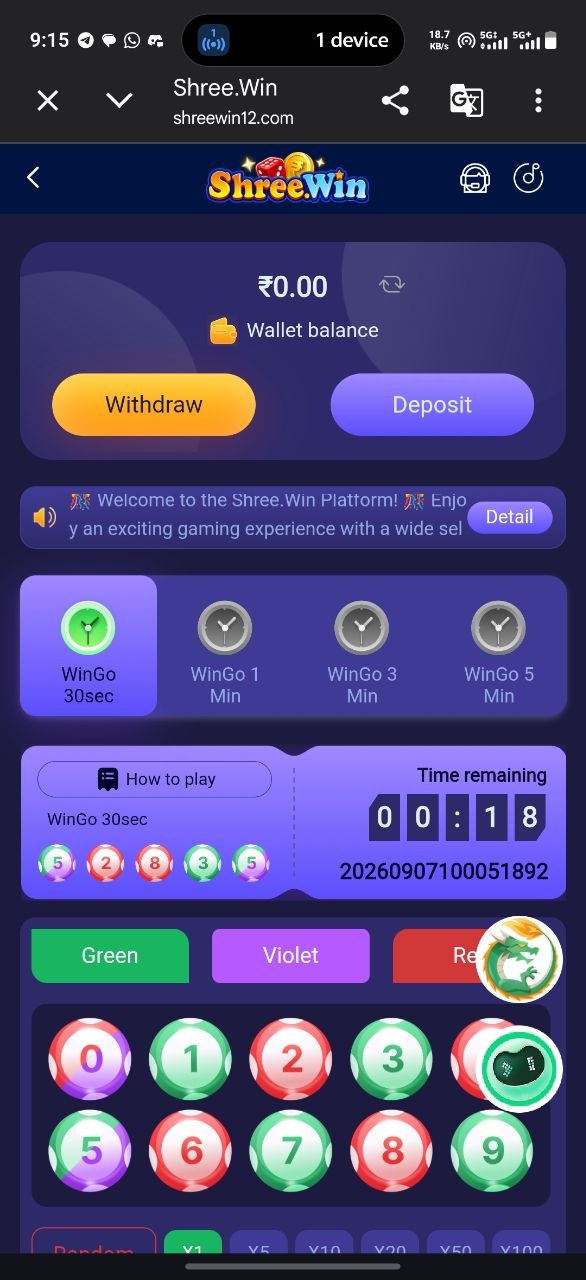
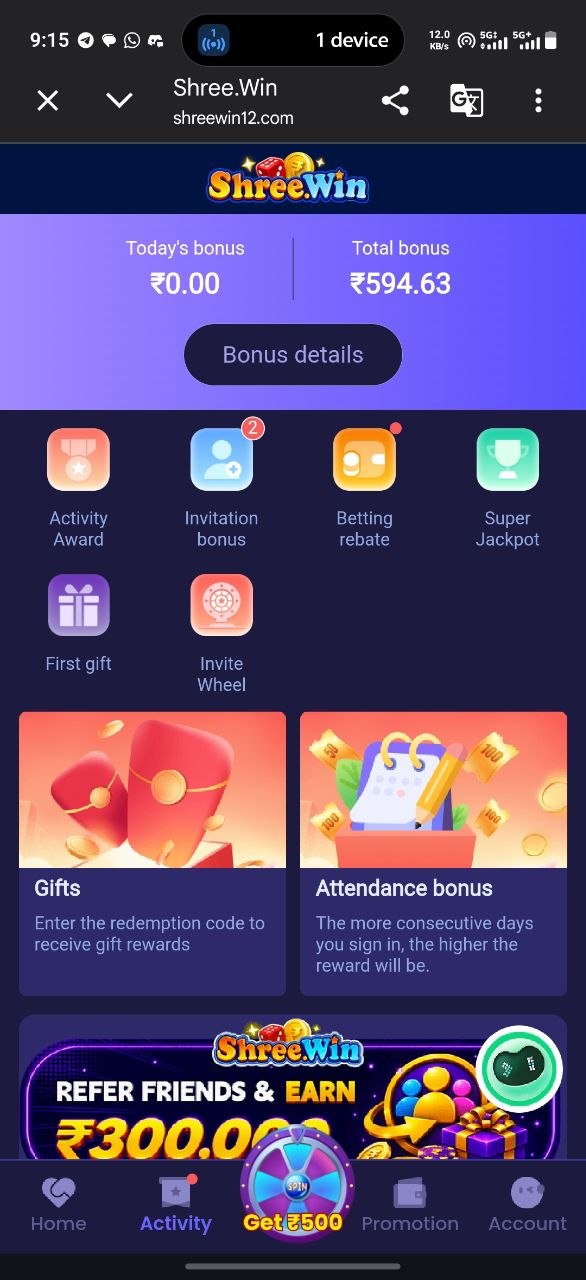
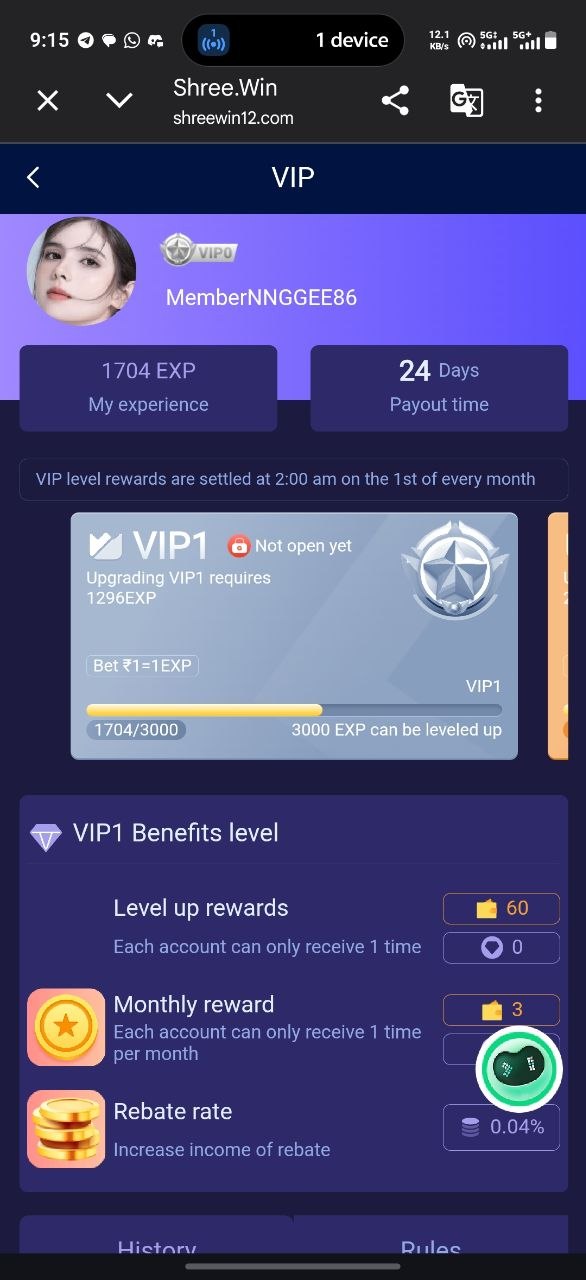
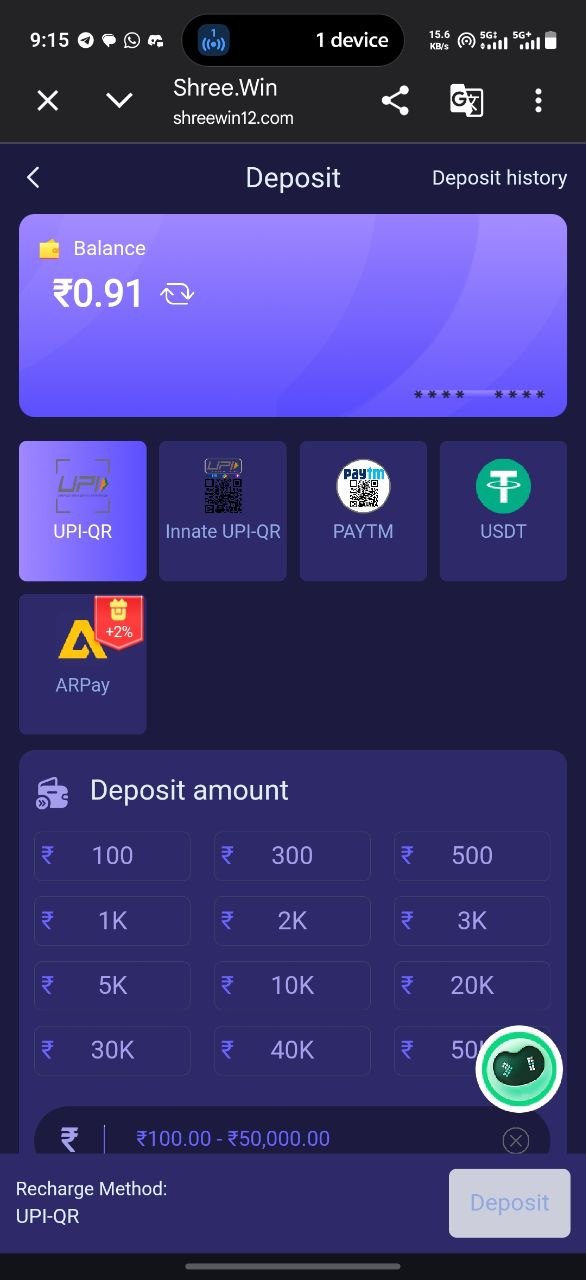
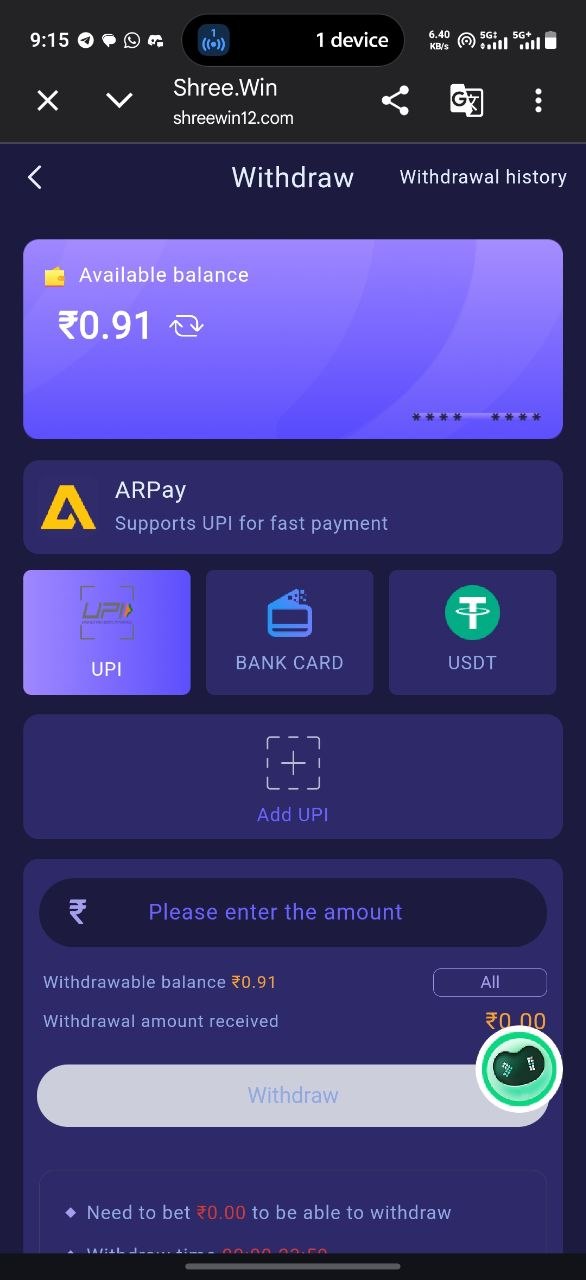
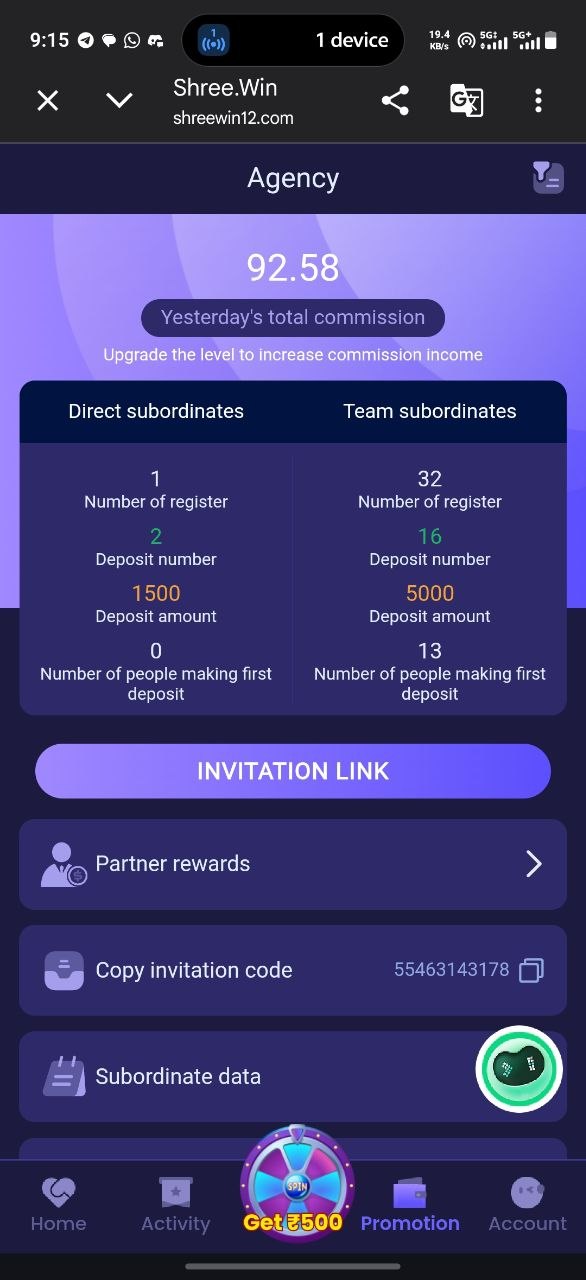
Screens shown for reference from the live Shree Win platform (September 2026). Menus and amounts change between versions.
Mobile compatibility
A reasonably recent Android version, a few hundred megabytes of free storage and a stable connection cover the practical requirements. Tablets generally work, though layouts are built for phone screens. On iPhone, an installable package is often unavailable and the mobile site is the supported route — which behaves almost identically for everything except notifications.
Installation considerations
Android warns before installing any package obtained outside the Play Store, and asks you to allow installation from an unknown source. That prompt appears for safe and unsafe files alike, so it tells you nothing about the file in front of you. The thing that matters is where the file came from. Full guidance is on the download page.
Verifying a download source
- Reach the page by typing the address yourself, not by following a forwarded link.
- Confirm the connection is HTTPS and the domain is spelled exactly as expected.
- Prefer a file offered by the service itself over any mirror or aggregator.
- Compare the requested permissions against what a gaming app plausibly needs.
- Scan the file if your device offers to, and stop if anything is flagged.
The official website checklist covers domain verification in more detail, including what we can and cannot confirm about ownership.
Protecting personal information
Give an app only what it needs. Review permissions after installing as well as during, since Android lets you revoke them later. Keep a unique password on the account, enable any additional security option offered, and never approve a login prompt you did not trigger. If you have installed a build from an unverified source, the safest action is to remove it, change your password from a different device, and reinstall from a source you checked yourself.
Updates
Without an app store, updates arrive as new package files announced inside the app or on the operator's channel. Installing a newer build over the old one keeps the account intact. An app that suddenly fails to load its game list is very often simply out of date. Our latest updates section explains how to tell a genuine notice from a rumour.
When the app misbehaves
Close and reopen it, switch between mobile data and Wi-Fi, clear the cache, then reinstall the current build. If the same failure follows you into a mobile browser, the problem is on the service's side rather than on your phone, and only its support can address it. The login guide covers access failures in more depth.
App questions
Is the app a separate account from the website?
No. The app is a mobile client for the same account, with the same balance and the same history. Installing it does not create anything new.
Is there an iPhone version?
Often not as an installable app. iPhone users are usually directed to the mobile site, sometimes with an instruction to add it to the home screen — which is a bookmark, not an installation.
Which permissions are reasonable?
Notifications and storage are ordinary for an app of this kind. Requests for contacts, SMS or call logs are not needed to show games and a balance, and deserve scepticism.
Will updating the app log me out or delete my balance?
The account and balance live on the server, so neither updating nor reinstalling affects them. You may simply need to sign in again.